Film Folio
An app to record still film data and digitally organize rolls
UI/UX Design, Mobile App Design // designed using Figma & Illustrator
The task with this project was to create a fictional app from scratch in order to work through creating a user flow, wireframing, user testing, and building the final design (including a style guide for the app).
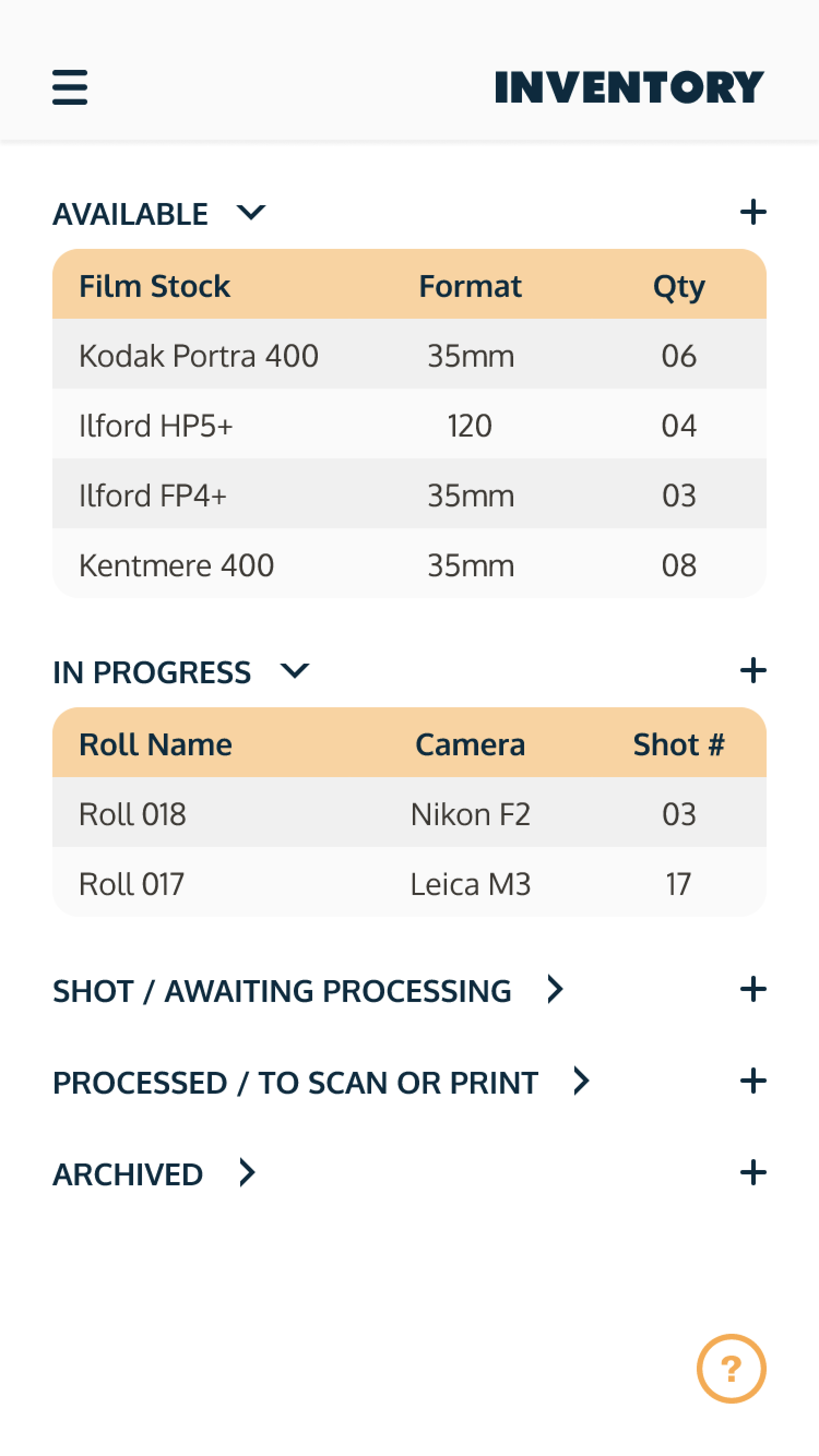
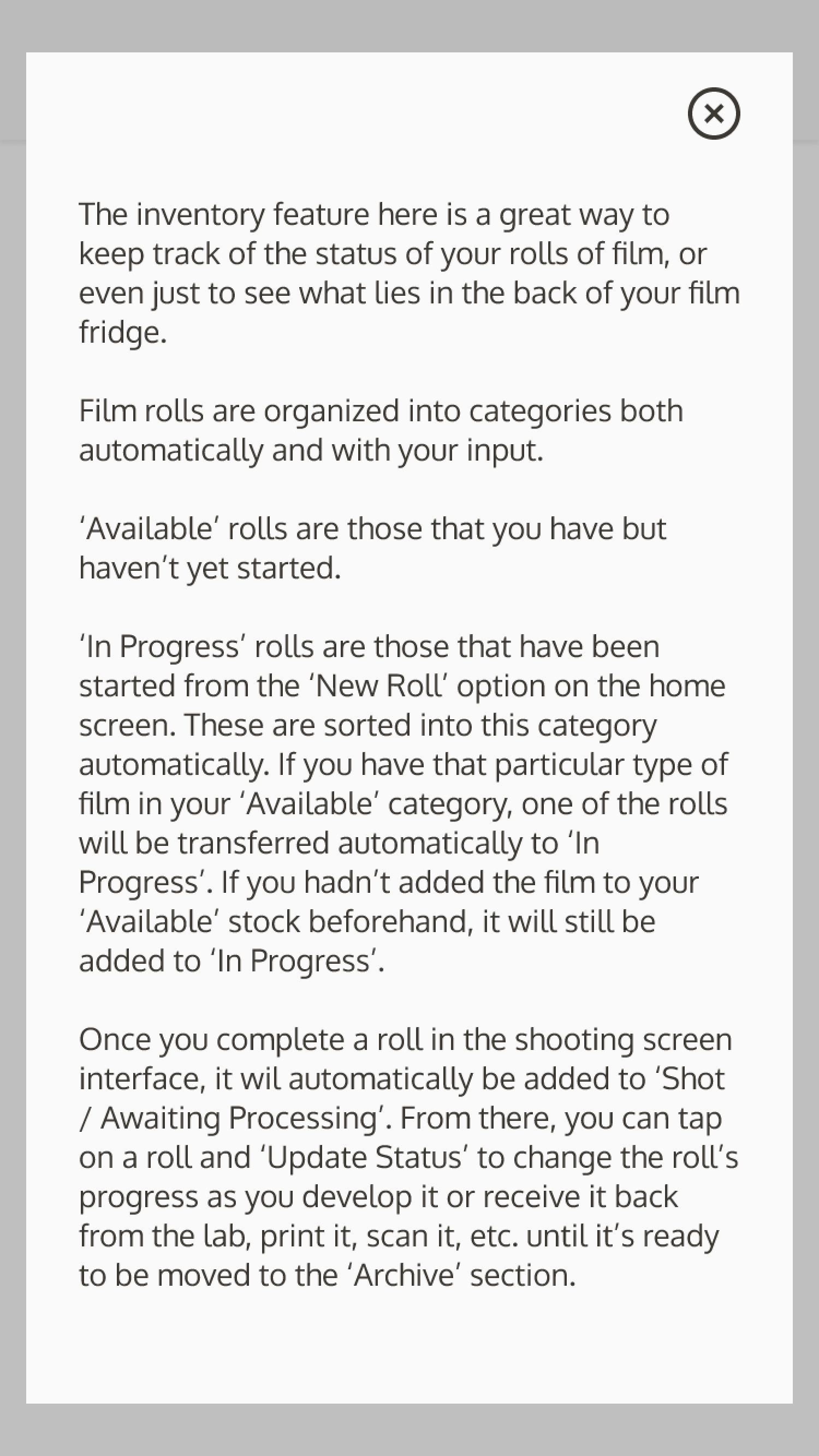
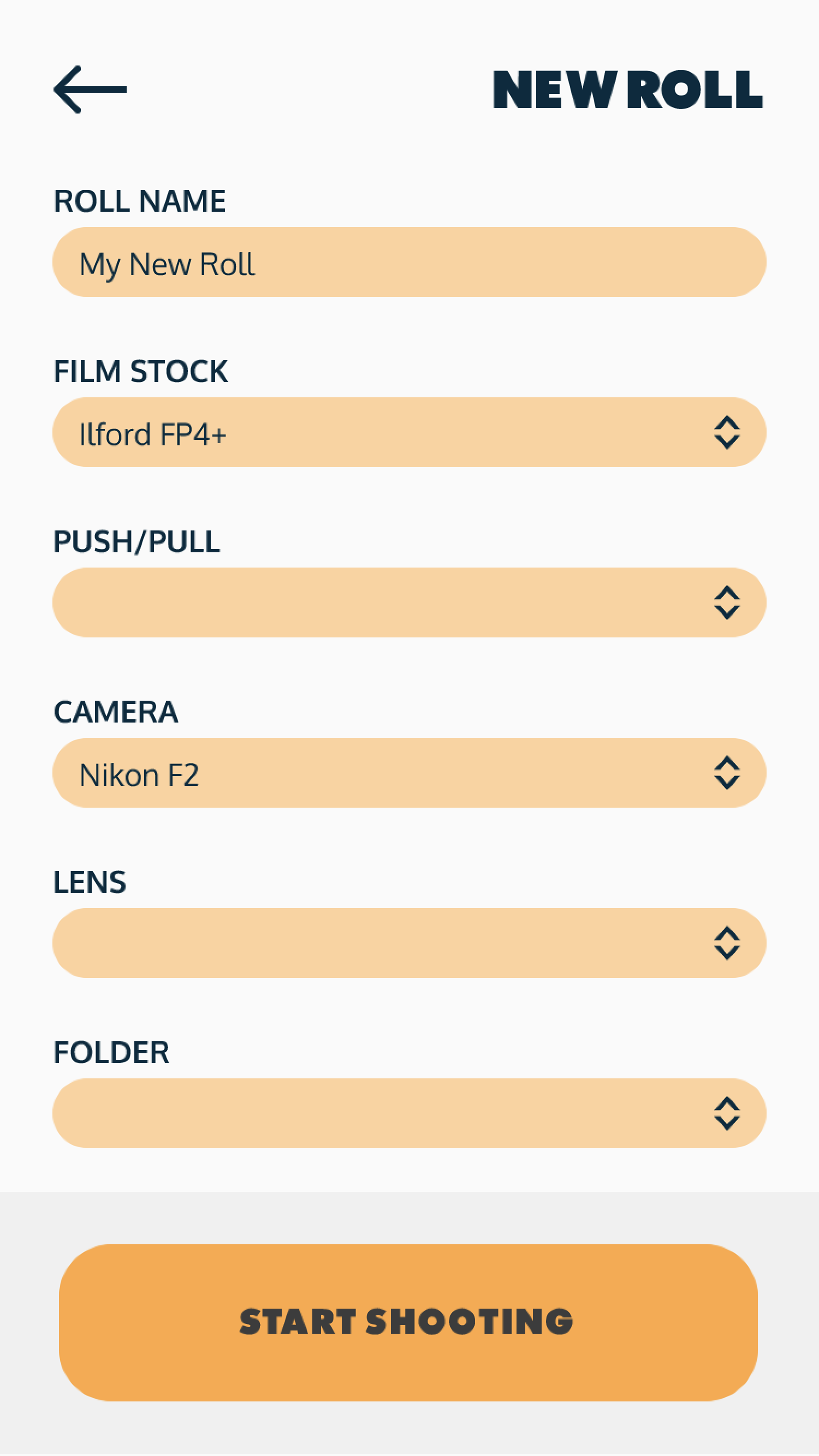
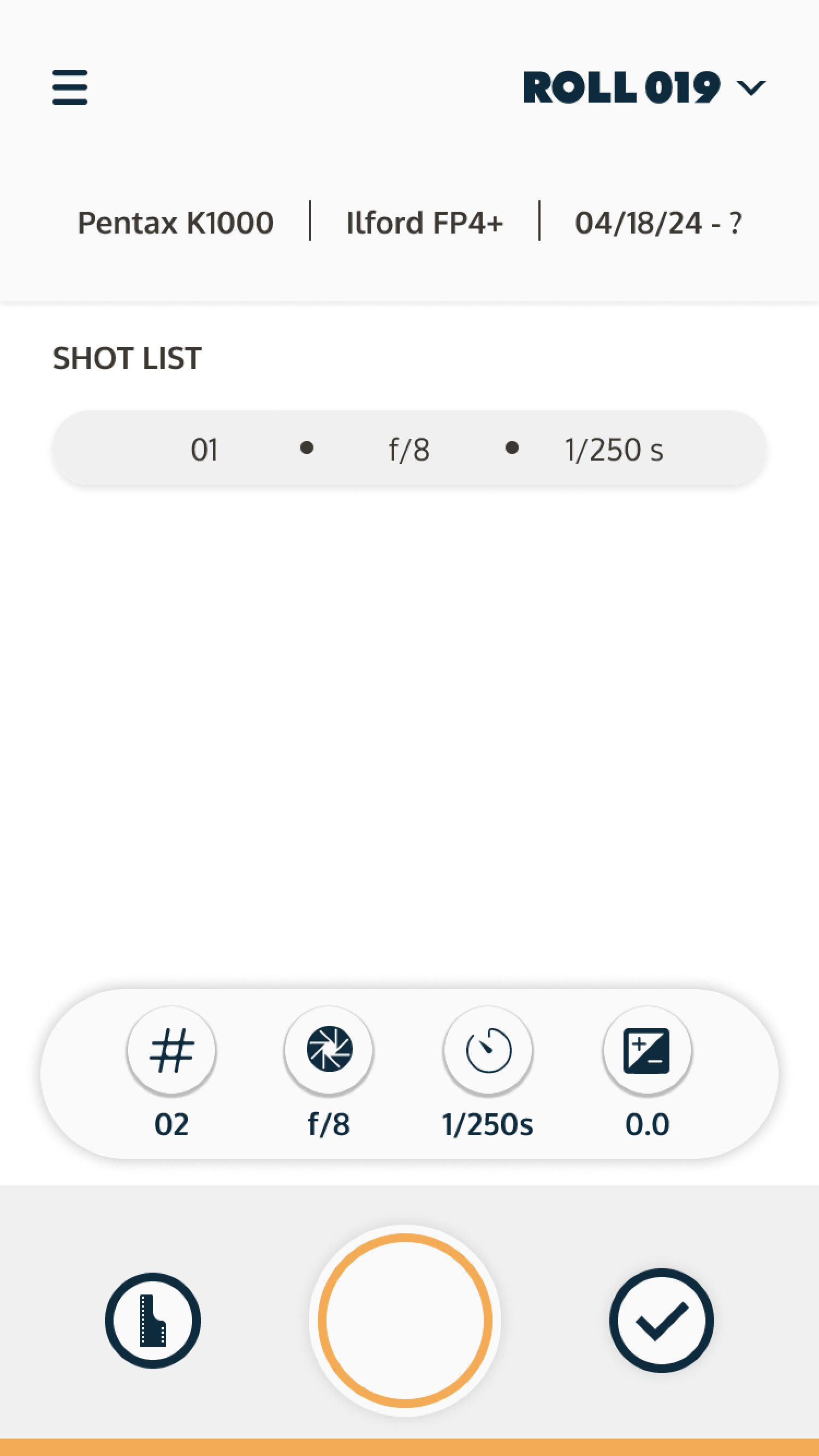
I chose to work on an app that is focused on still film photography. As an avid film photographer myself, I thought it would be helpful to have an app that accomplishes two goals: recording a user’s settings for rolls of film; and, (more importantly to myself personally) having a digital library of a user’s rolls of film and their current state.

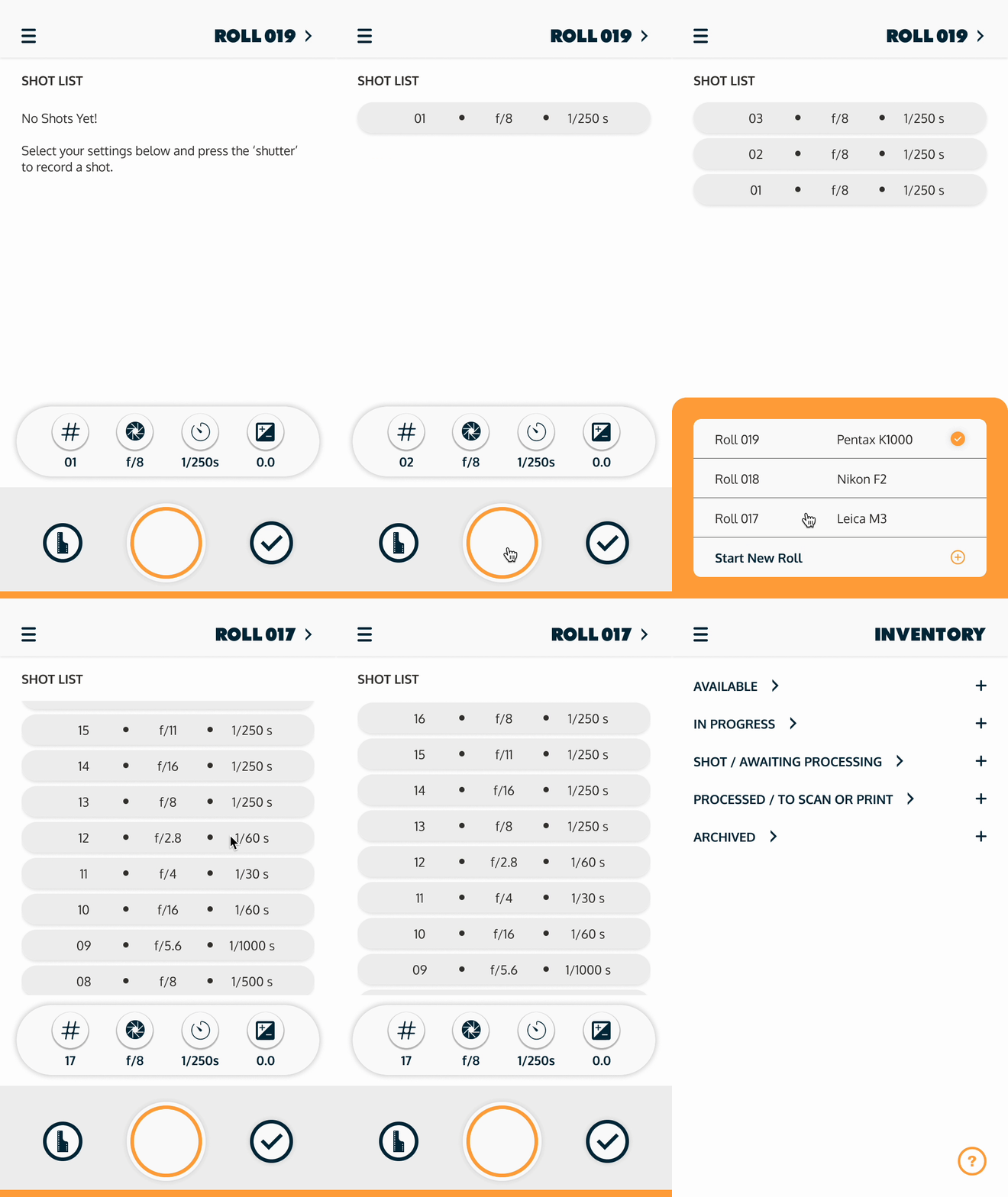
This prototype shows how a user would view further roll information, record shots, change rolls, and then switch over to the inventory.
Thinking Through the User Flow
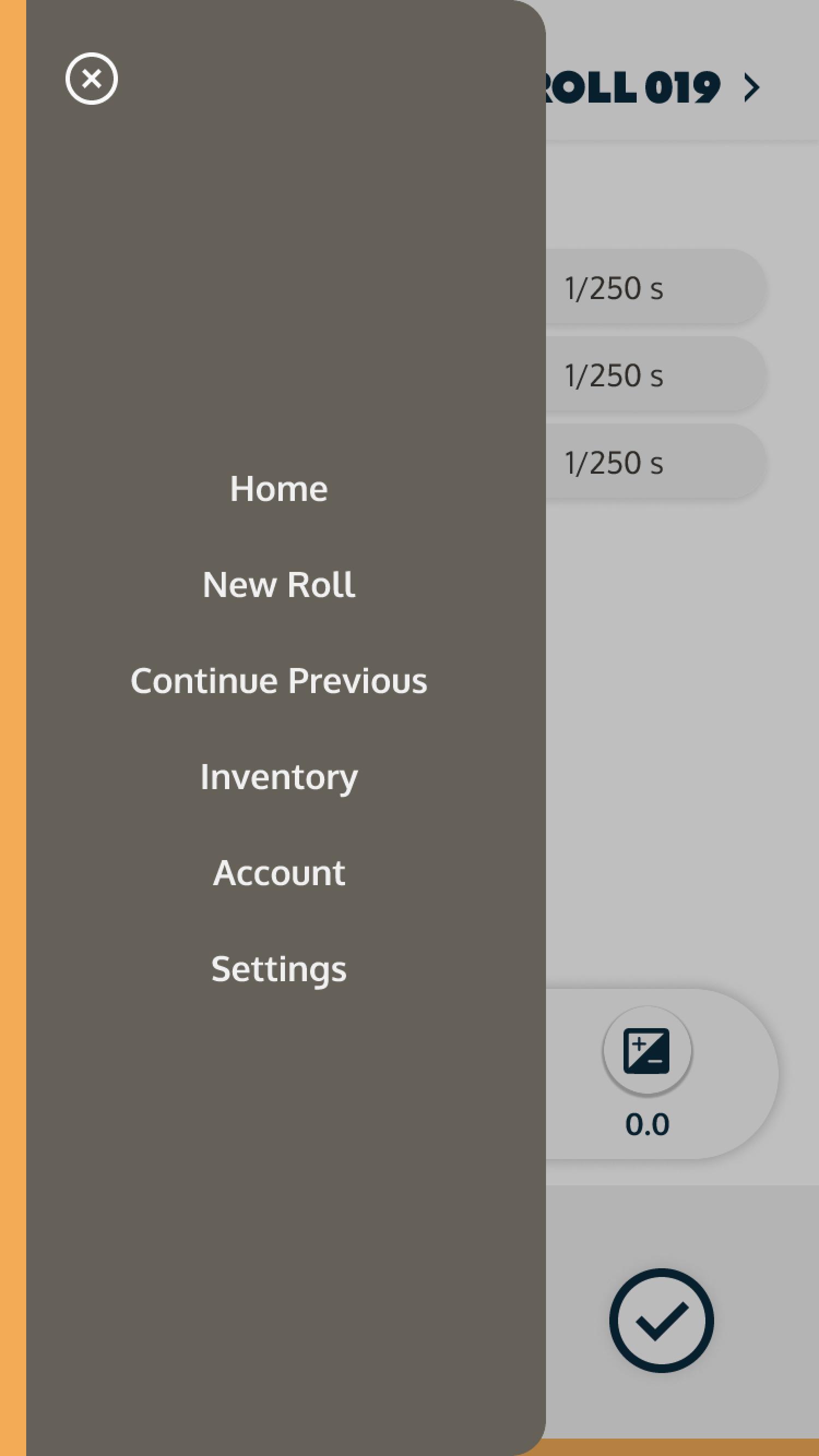
The user flow reflects the two main purposes of the app - to track film inventory and to record a user’s camera setting for particular rolls of film. From the Home Screen, a user would be able to continue the previous roll they were working on last, start a new roll, or go straight to the inventory.
Wireframes
Some User Testing…
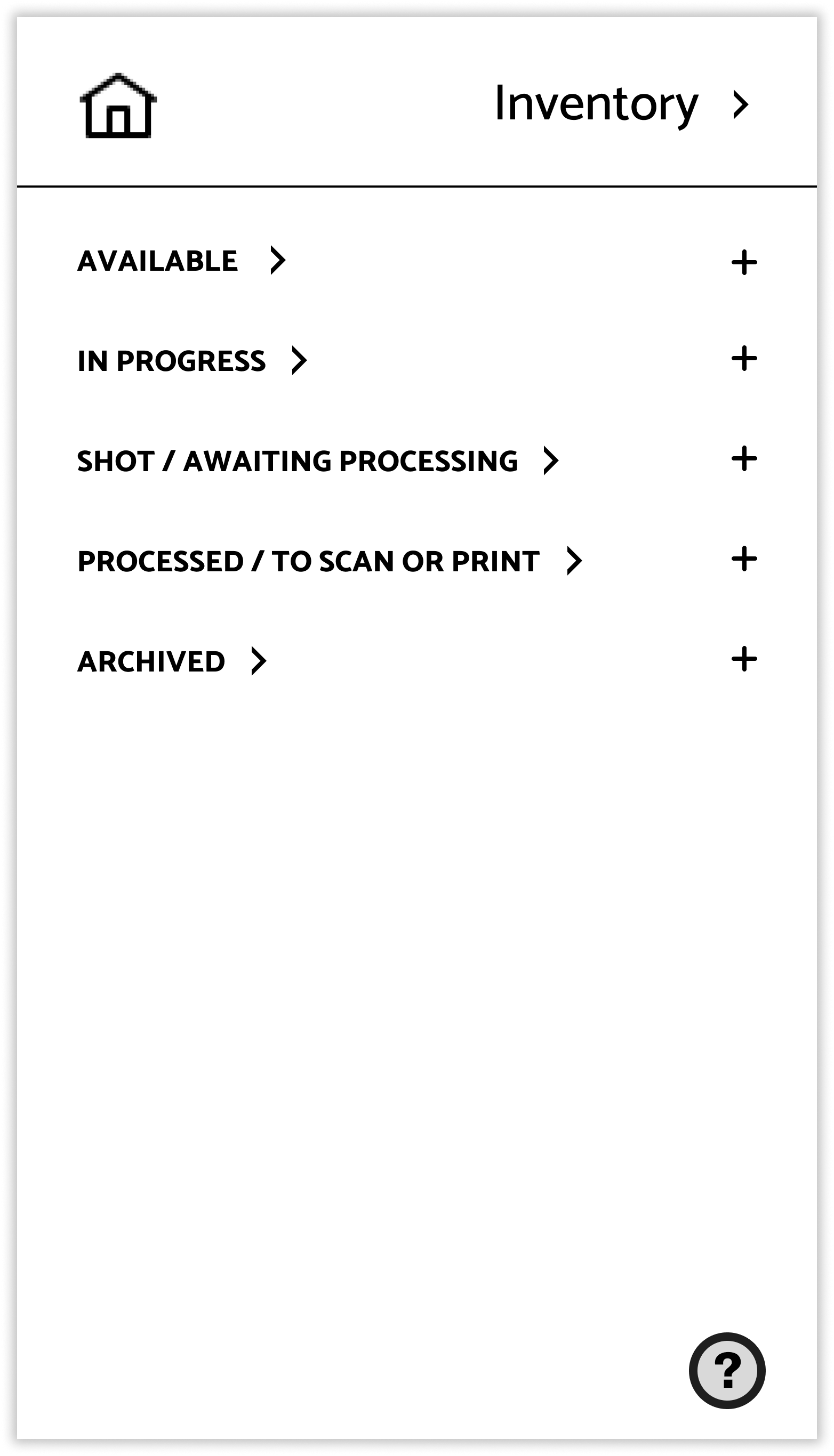
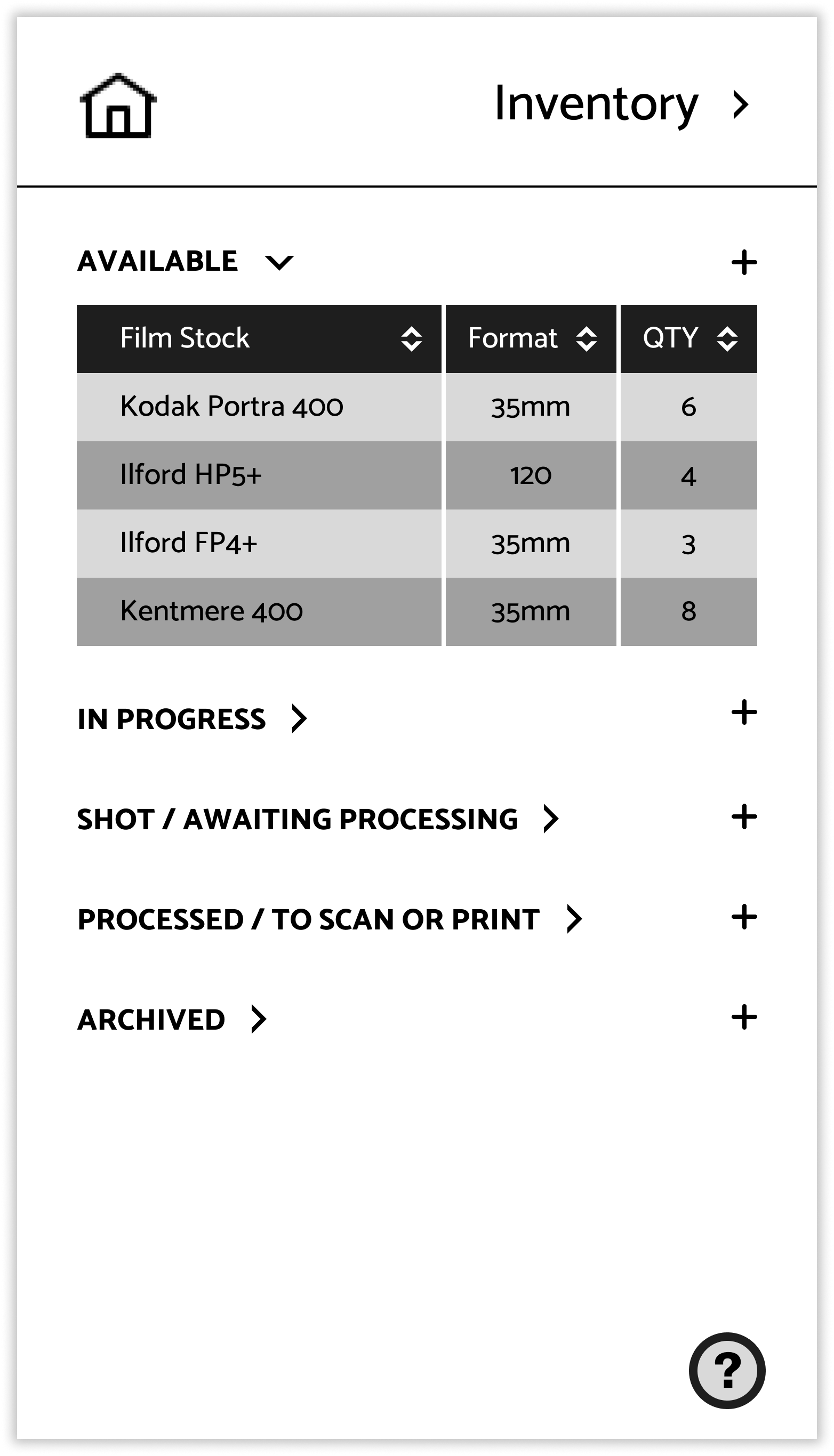
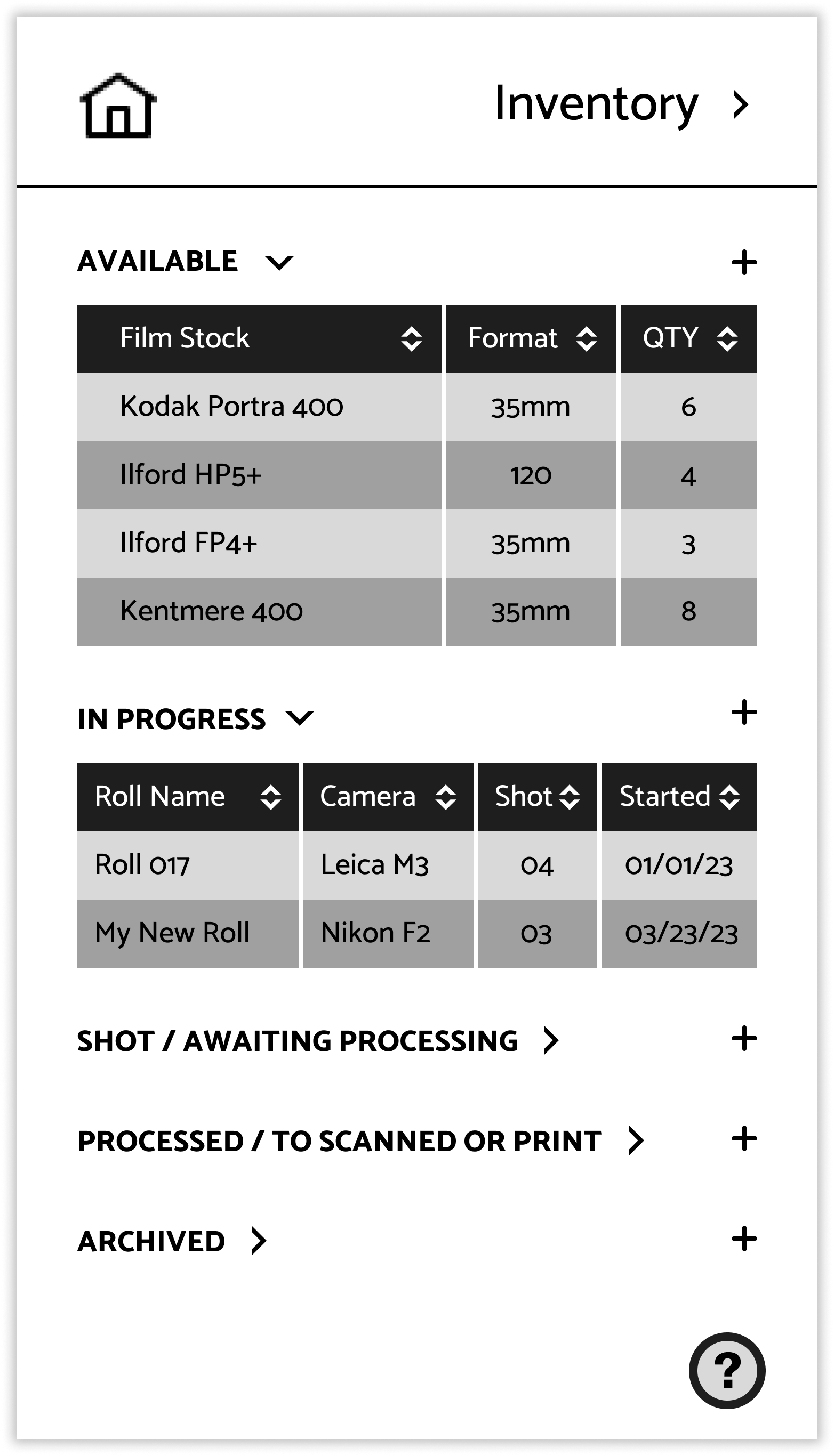
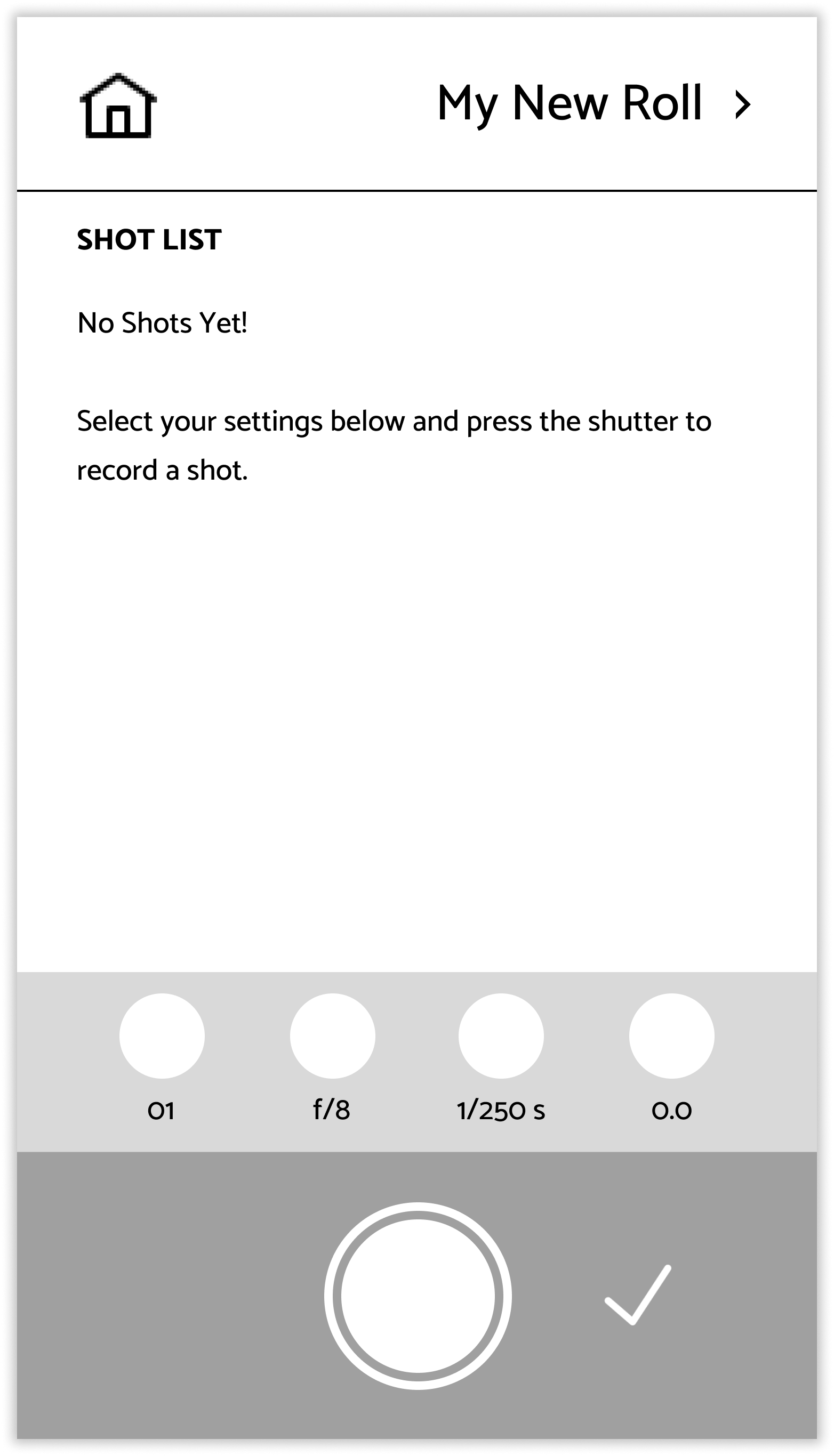
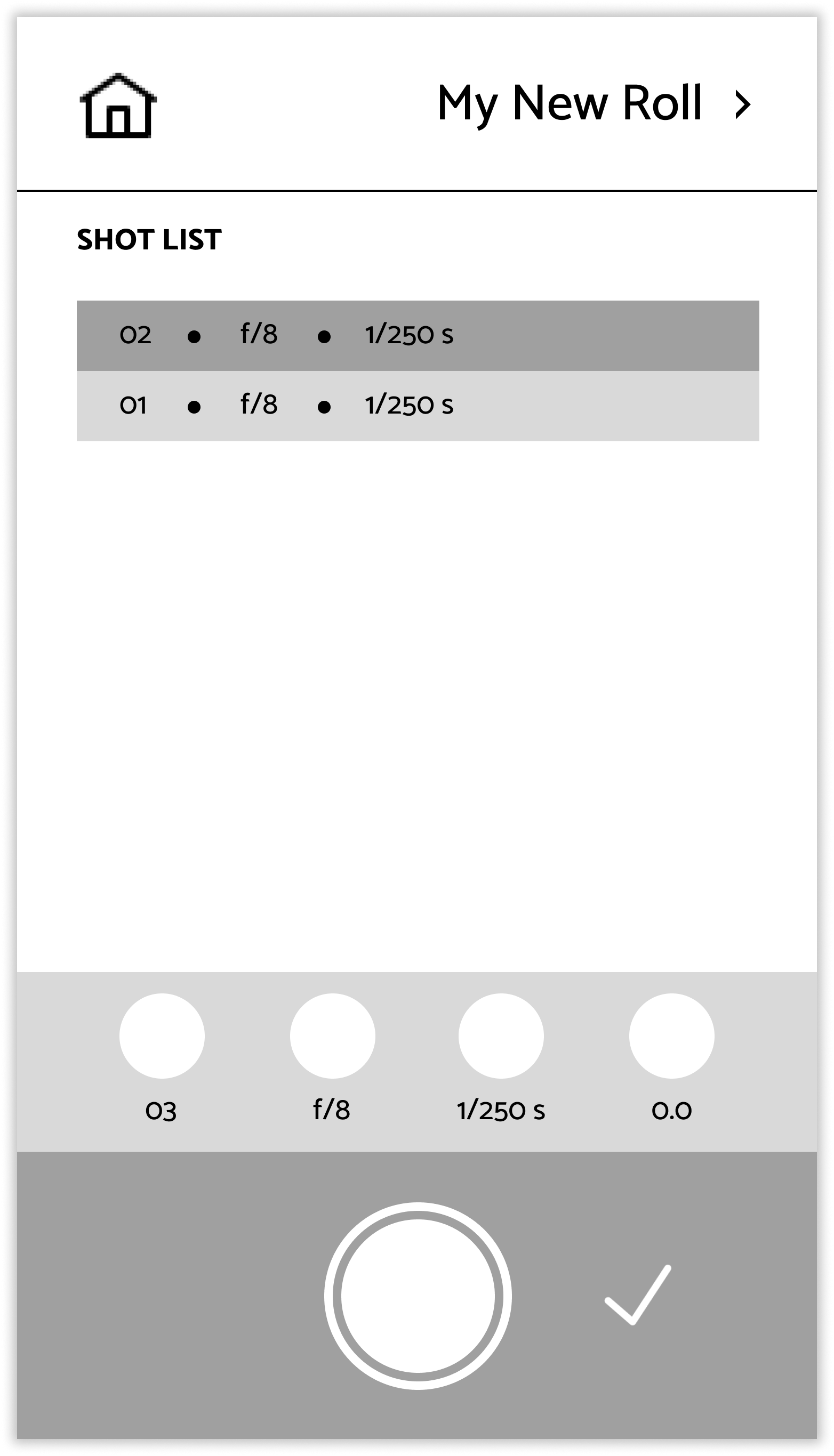
User testing went fairly smoothly overall. Testers were tasked to start a new roll of film, continue a roll, update inventory, and create an account. Most moments of pause or questioning came from the fact that not all fields or options were clickable in the prototype (and so this wouldn’t be an issue with a fully functioning app).
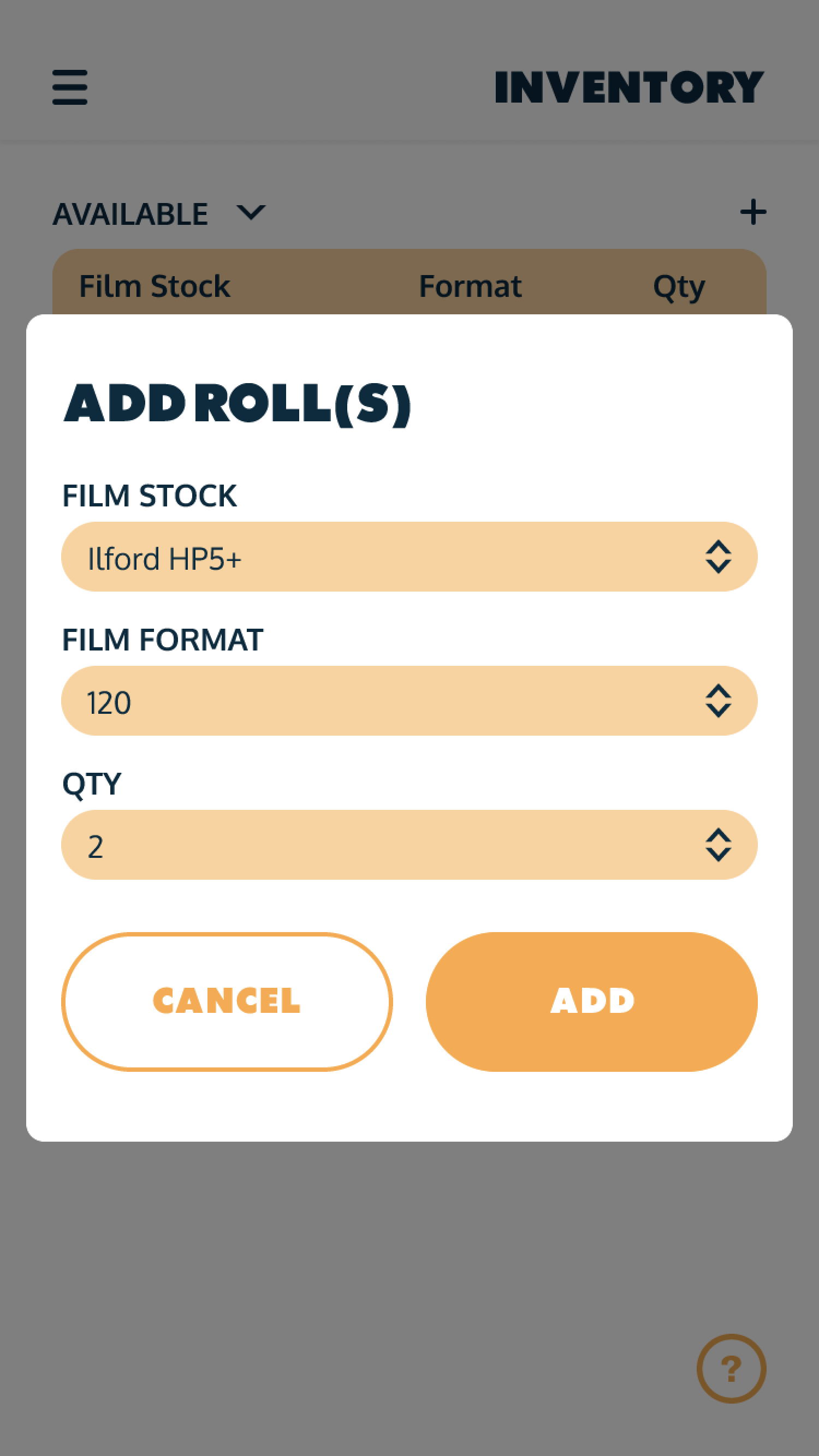
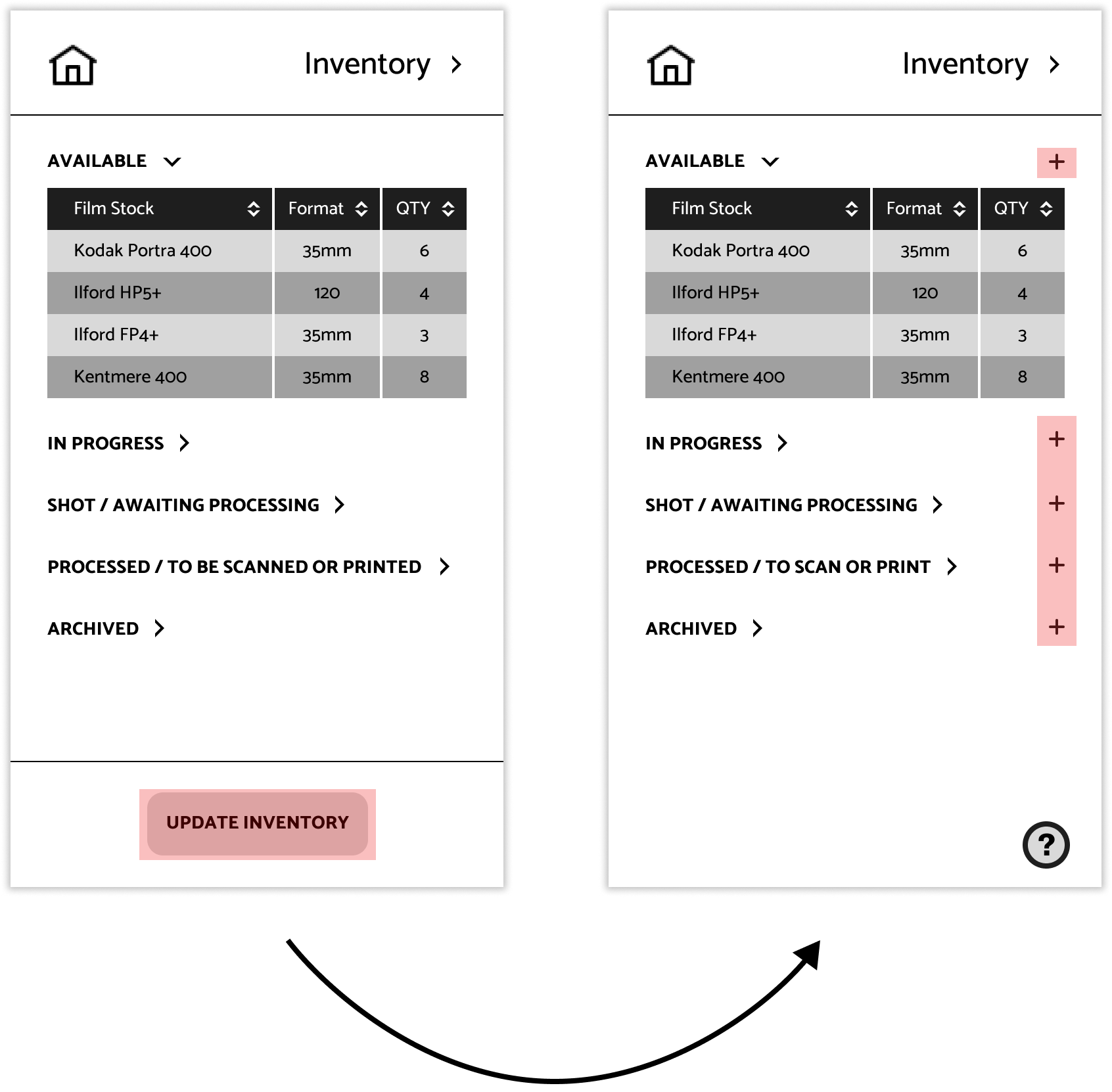
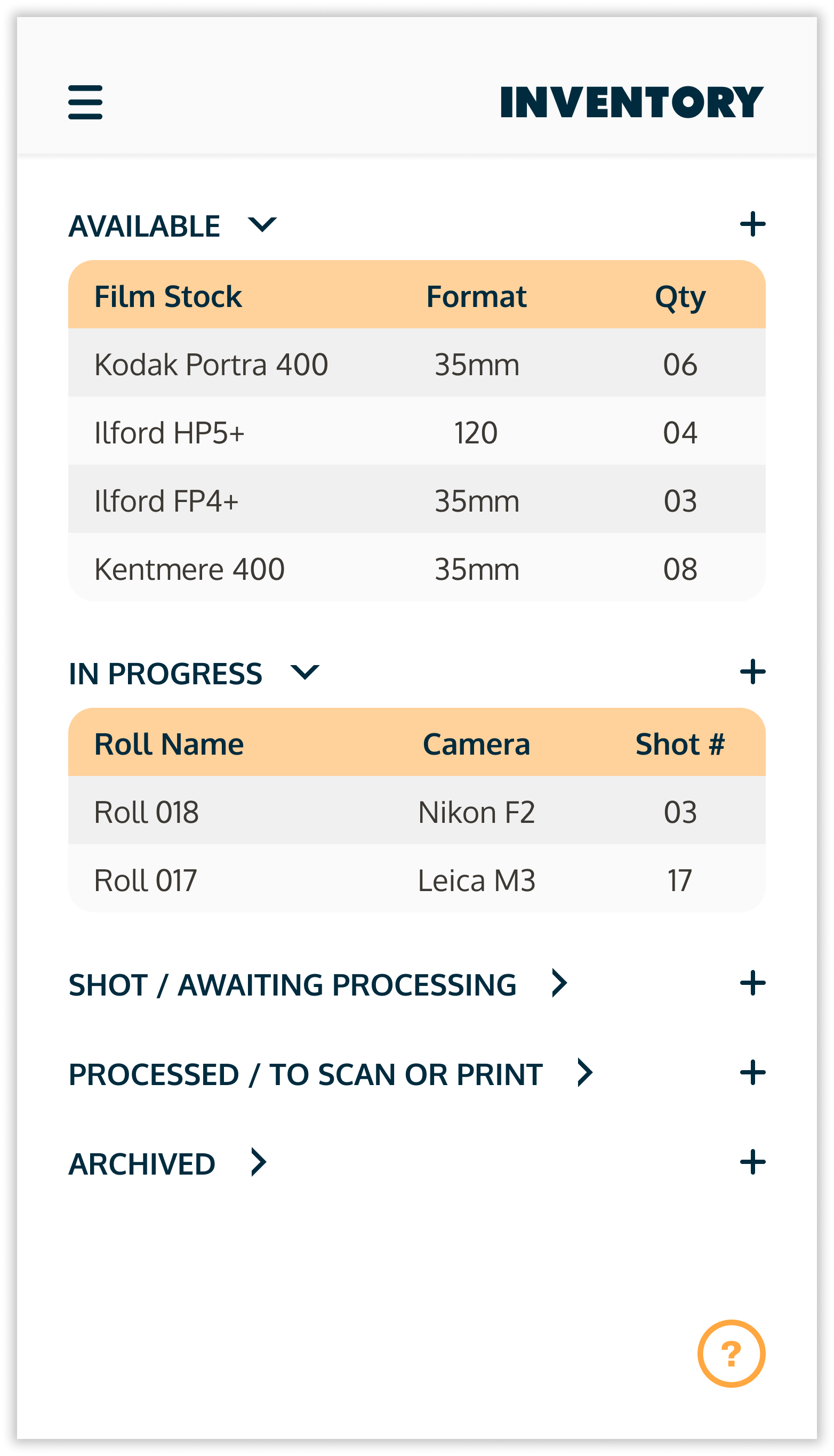
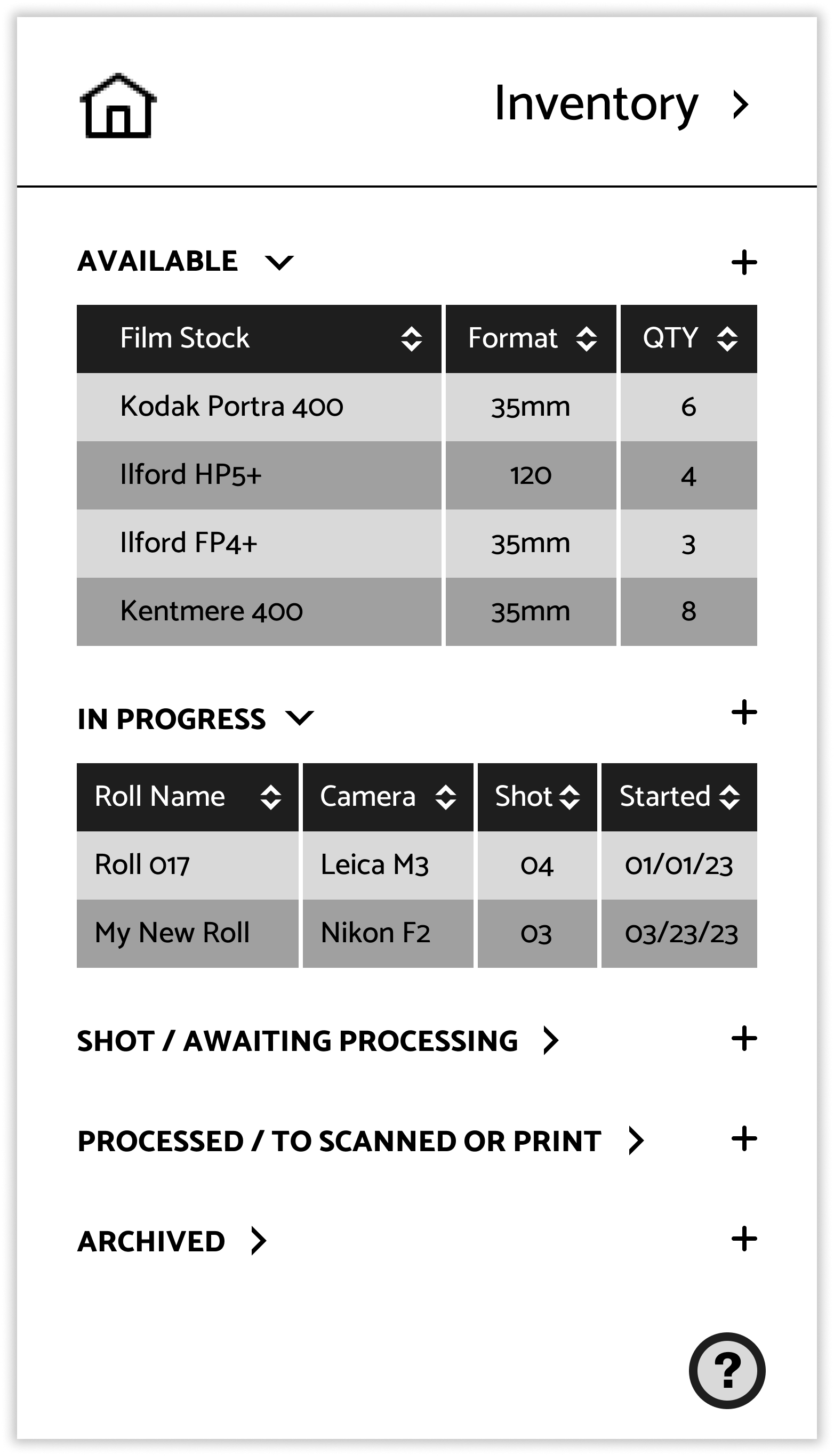
The biggest issue was surprising, and that came during the update inventory task. I asked the testers to pretend as if they had just bought some new film and needed to update the inventory to reflect this. In the prototype this task couldn’t be fully carried out, but I figured they would go to the right place to do so (the ‘Update Inventory’ button). To my surprise, the testers didn’t even see the ‘Update Inventory’ button at first, and were instead trying to click the ‘Available’ section to add more film that way. These new wireframes address this issue, and make it so users can adjust particular rolls of film themselves, or add rolls to specific sections rather than having an overall ‘Update Inventory’ button that they easily missed.
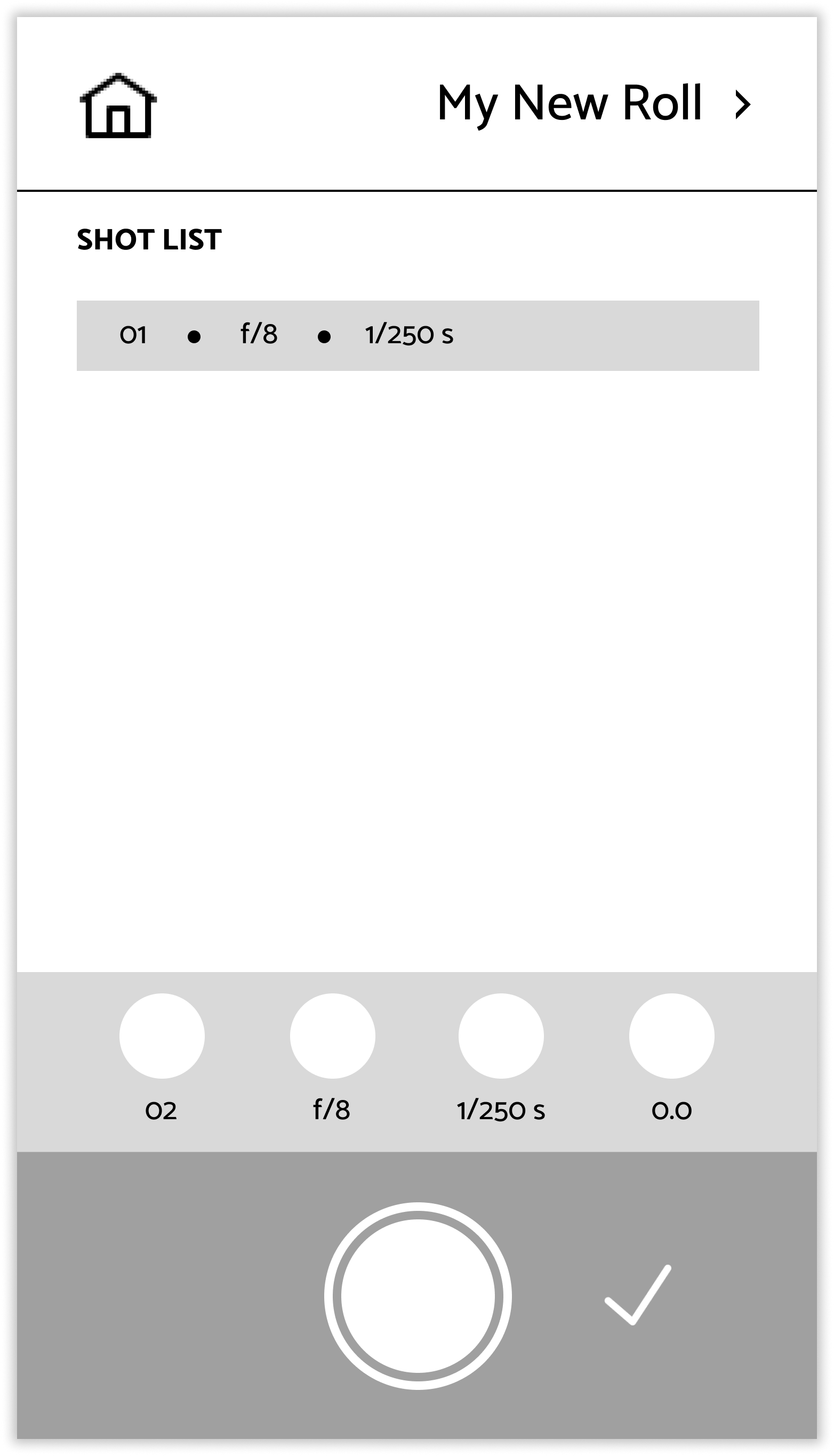
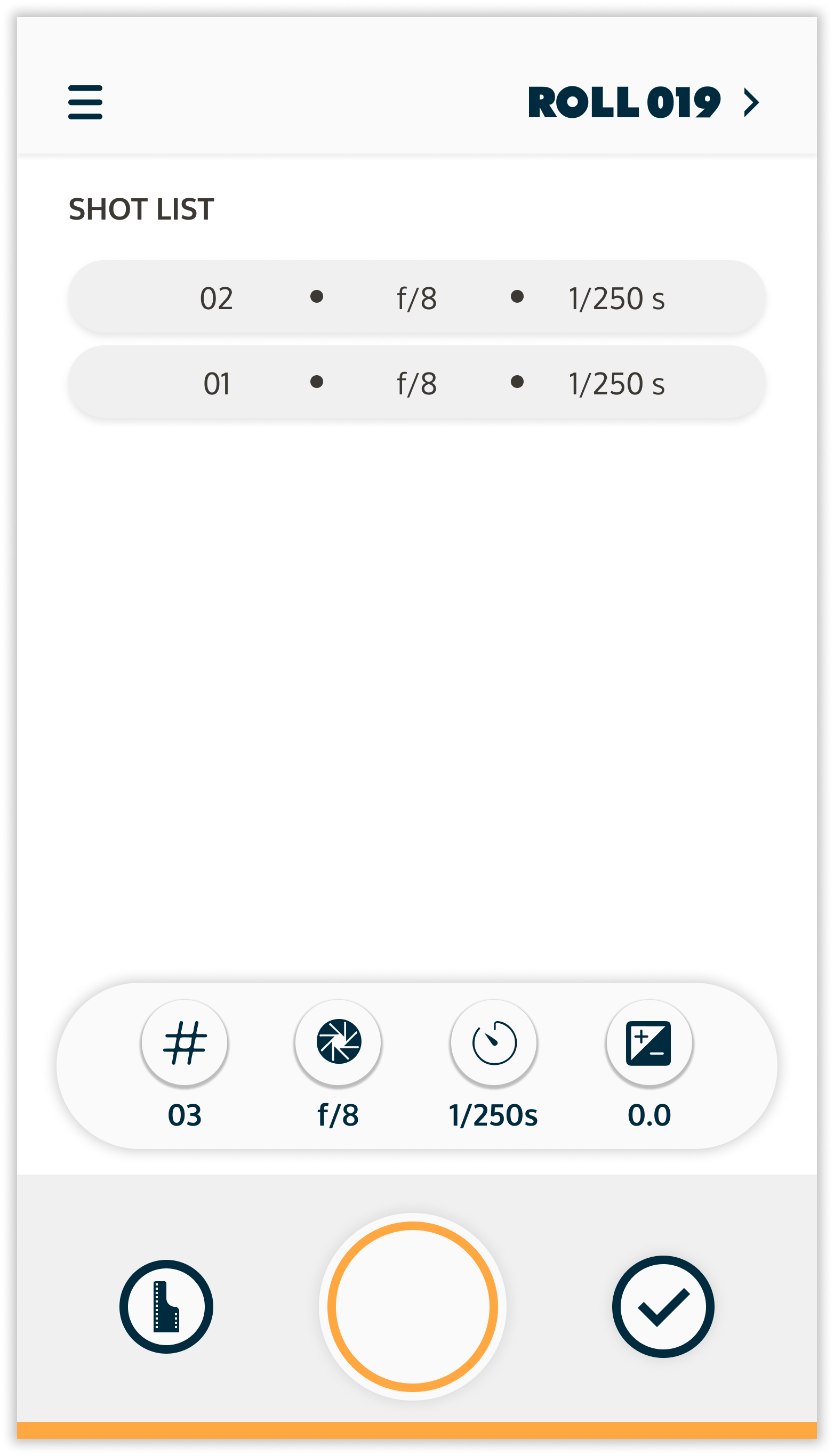
The one other find that came up involved the ‘Shooting Screen’, where users are able to put in settings that they are using on their film cameras and record these settings for each shot. One tester asked, during the start a new roll task, what happened when they were finished shooting a roll. It seems as though in the previous wireframes I had completely overlooked this button, and so this was updated.
…and on to the design!
Style Guide








From Wireframes to Final Design
‘Inventory’
‘Shooting’ Screen